Hard text,
in plain words.
Select hard text in any Windows app. Plainly explains or translates it beside your cursor, on your own computer.
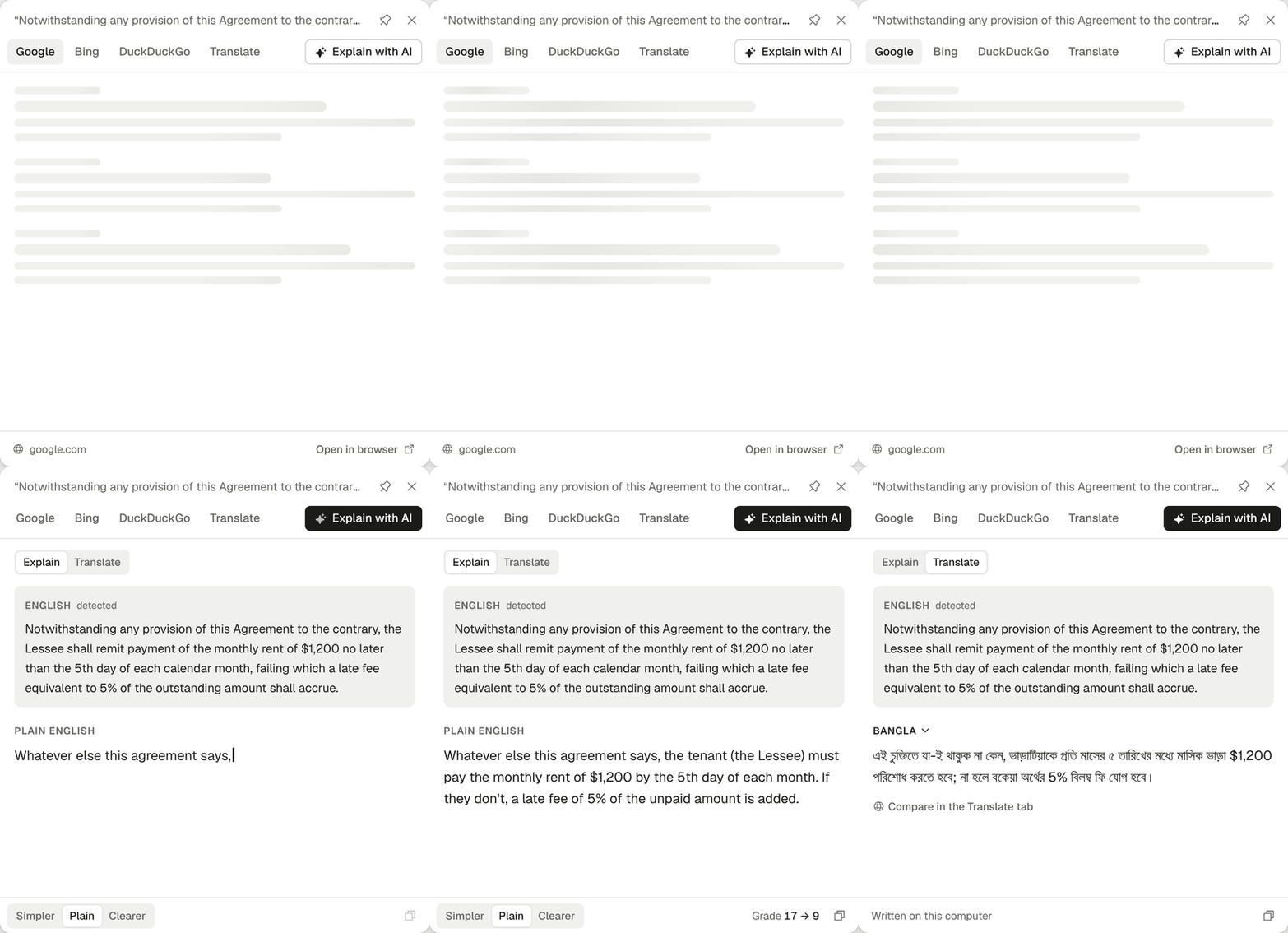
Select. Press one key. Understand.
A clause from a lease
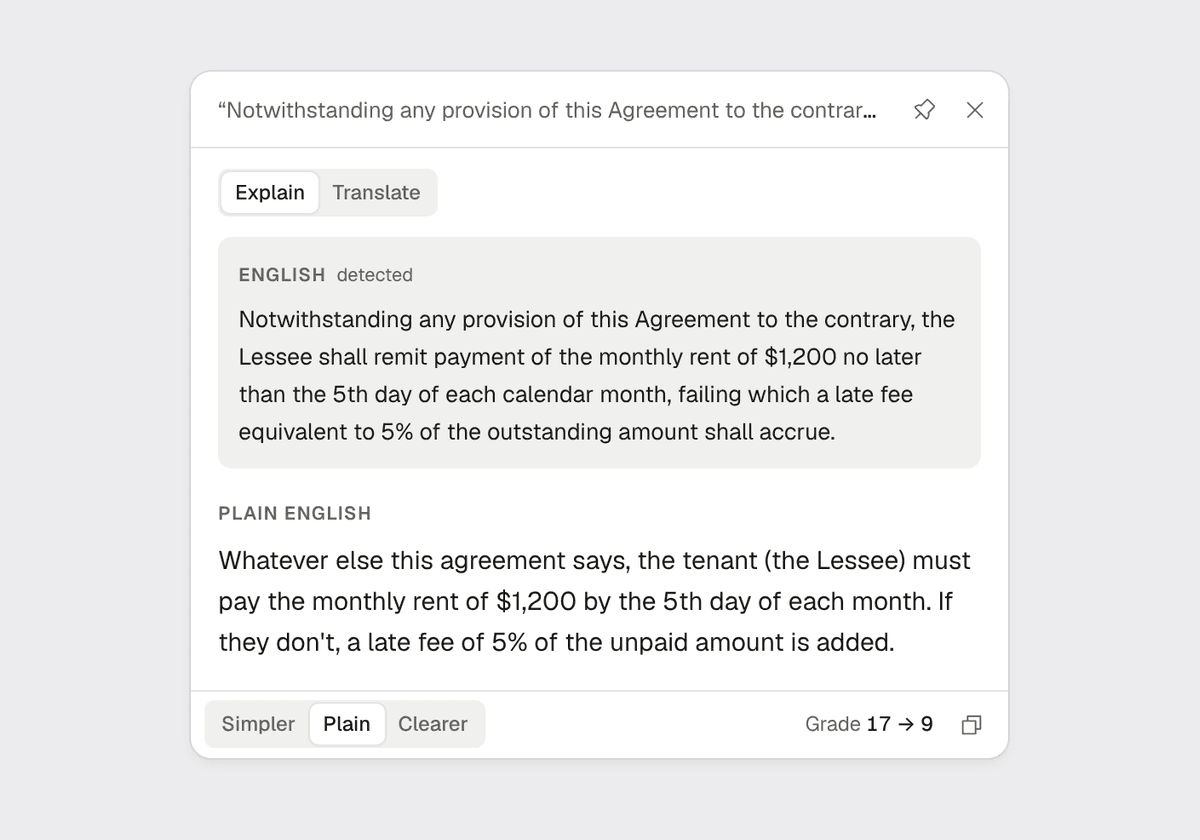
Notwithstanding any provision of this Agreement to the contrary, the Lessee shall remit payment of the monthly rent of $1,200 no later than the 5th day of each calendar month, failing which a late fee equivalent to 5% of the outstanding amount shall accrue.
On the card, at the Plain level
Whatever else this agreement says, the tenant must pay the monthly rent of $1,200 by the 5th day of each month. If they don't, a late fee of 5% of the unpaid amount is added.
If an answer drops or invents a number, date or name, the card tells you.
Everything in one small card.
Explain in plain words
Simpler, Plain or Clearer. What you selected stays on top, the plain version underneath.
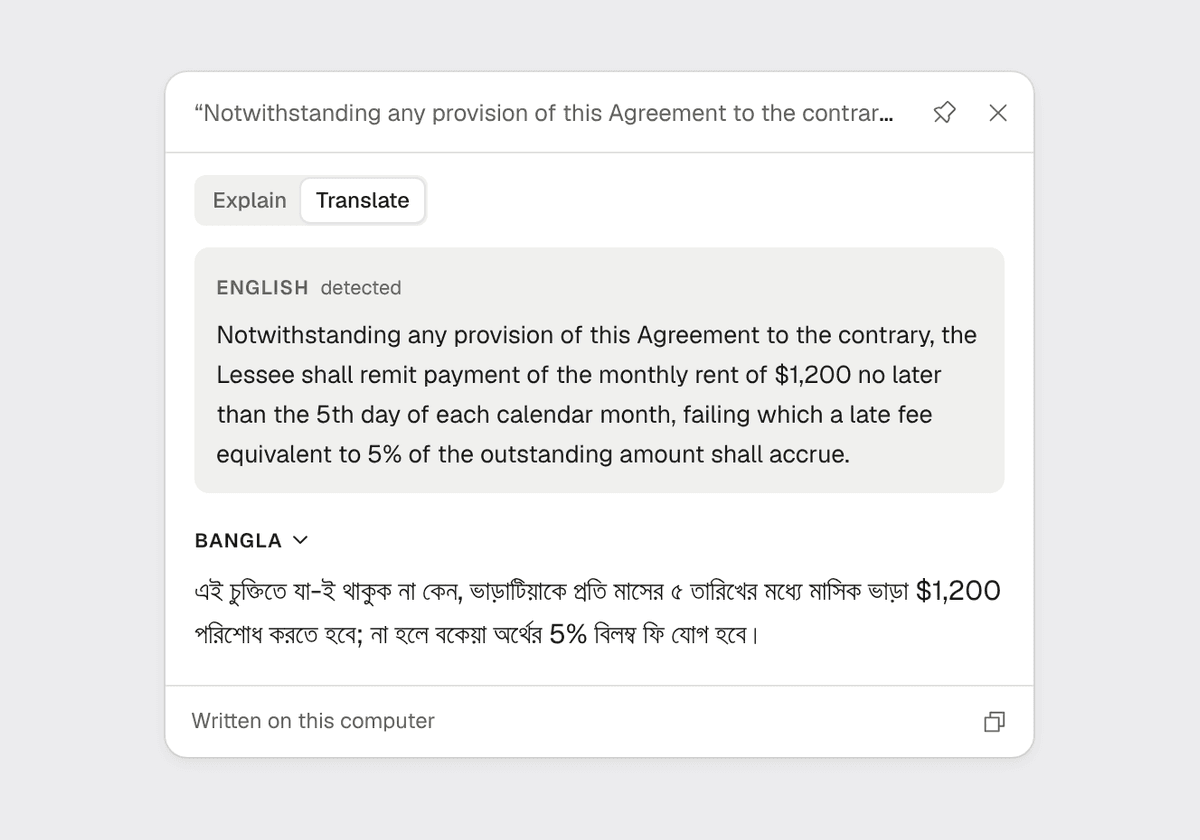
Translate privately
Into Bangla, Hindi, Spanish, Arabic, Chinese and more, by the AI on your computer.
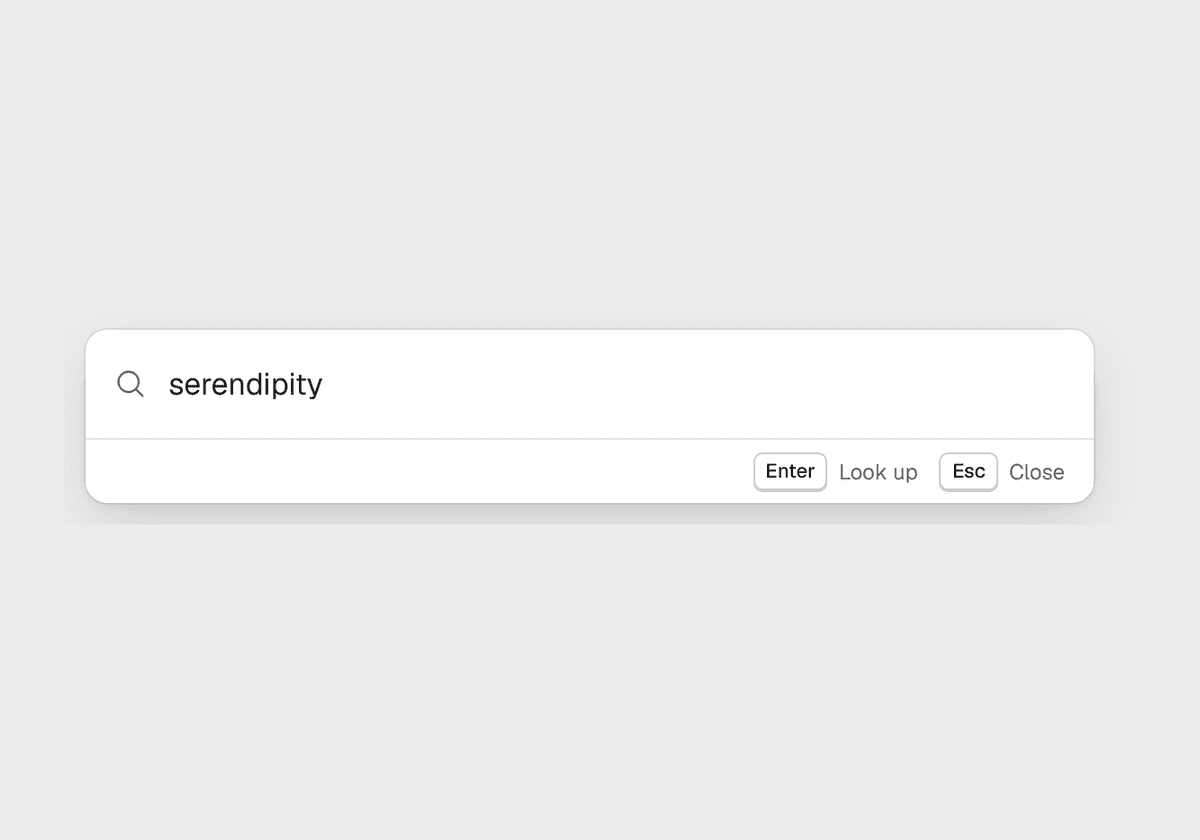
Look up anything
Heard a word you don't know? Press the shortcut with nothing selected and type it.
Keep your words
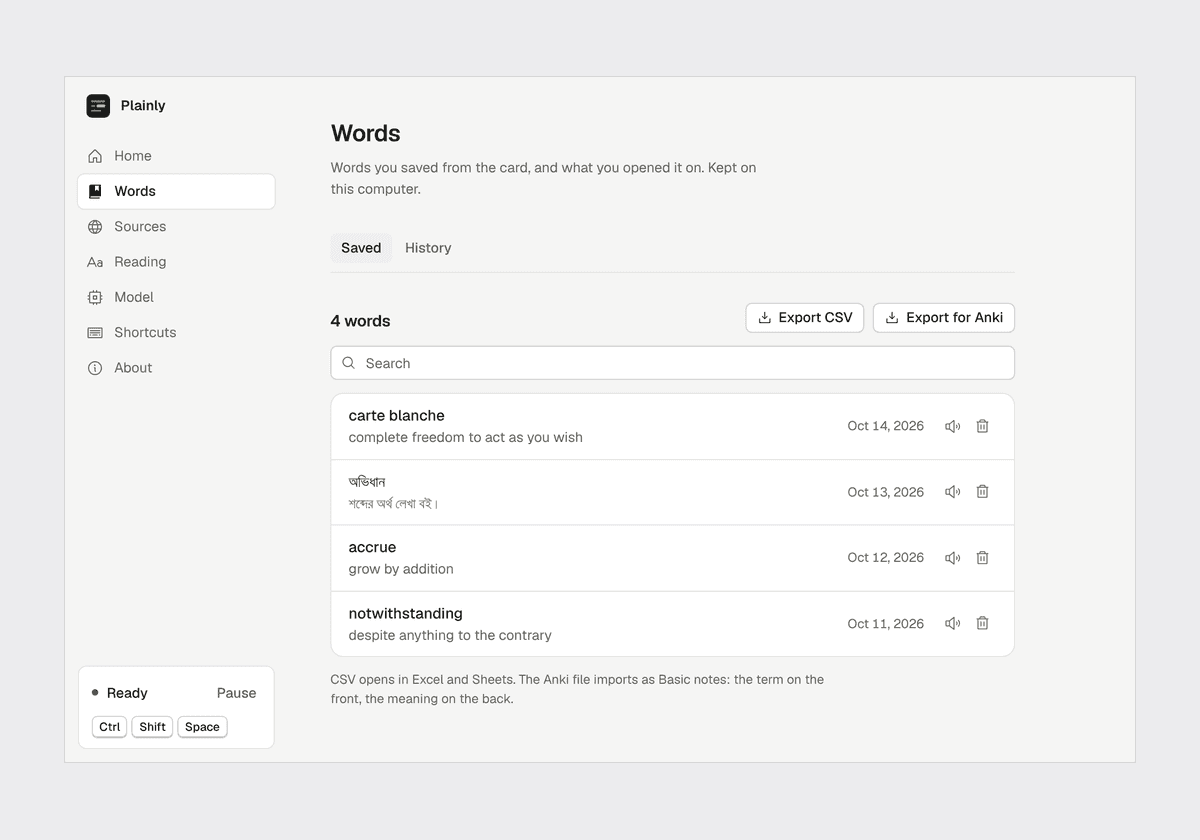
Save words from the card, hear them read aloud, export them to Excel or Anki.
Works wherever you can select text.
PDFs, Word, email, chat, websites. Web searches and a dictionary come first; the AI only runs when you ask it to.
Select, then press
CtrlShiftSpaceOr copy it twice
CtrlCCPrivate by design.
The AI and the dictionary run on your computer. What you read with them never leaves it.
Runs on your computer
A small AI model on an ordinary laptop. No account, no cloud, no subscription to read.
Online only when you choose
A web tab loads only when you open it. One switch turns them all off.
Stays out of your passwords
It never reads text in password managers, or in any app you add to the list.
Any model you like
It recommends one that fits your PC, or uses one you already have from LM Studio or Ollama.
Fast enough on an ordinary laptop.
- reading grade levels easier, on average, at the Plain level
- 9.2reading grade levels easier, on average, at the Plain level
- to the first words, on a 4-core CPU with no graphics card
- 2.2 sto the first words, on a 4-core CPU with no graphics card
- peak memory for the default model, comfortable on 8 GB
- 3.9 GBpeak memory for the default model, comfortable on 8 GB
- answers in the wrong language, kept in line token by token
- 0 of 56answers in the wrong language, kept in line token by token
Measured with the default model, Gemma 4 E2B, on a 4-core machine with no GPU. See the full results.
Read anything, plainly.
Free preview for Windows 10 and 11.
The installer isn't code-signed yet, so Windows may warn you. Choose More info, then Run anyway.